Project Overview

Premise
Curyeux was 3d puzzle platformer made as part of an internship at Campus ADN. This production had the goal to simulate the workflow of a real production in the industry.
Time and Duration
March 2025 – July 2025
Team Size
Working with a production of over 70
Working closely with a team of seven
Used Tools
Unreal 5.4
GAS
Visual Studio
Perforce
Tasks
I was tasked with a team of seven to work on these aspects of the project:
- Complete character, controller and camera
- Gameplay mechanics and ingredients
- Menuing and pausing
- Levels transitions and gameplay flow
- And many others!
I was specifically tasked with the following:
- Character controls and movement implemented with the Gameplay Ability System (GAS)
- Implementation of Gamelplay Attributes for the main character
- Implementation of GAS for the main mechanic of the project
- Implementation of GAS for the ingredients and enemy of the project
- Menuing and Pausing
- Creating tools for project workflow
- Documentation of project nomenclatures
Technical Designs and Tools
Character Movements and Inputs

Overview of the design
The main character was conceptualized and designed prior to the production in the Game Design Document made in collaboration during the cursus of Campus ADN in February 2025. The designed asked for a character to be able to walk, sprint and jump. It also asked the main character to be able to use floating eyes as a way to interact with gameplay ingredients in the world.
Development
The developement of the main character took place over 6 weeks. These weeks were seperated as followed:
- Week One-Two: Basic Character Controls and Movement, Metrics Definition and Design
- Week Three-Four: GAS Implementation of Attributes and Movement Abilities
- Week Five: GAS Implementation of the Main Mechanic
- Week Six: Implementation of the Animation Blueprint
What would I have done differently?
Looking back, as powerful as the Gameplay Ability System and Attributes are, they were way overscoped for the project. Although a fun and rewarding learning experience, a simpler approach for the abilities and character would have saved a lot of time for the project.
Tool Showcase: In-Game Developper Menu
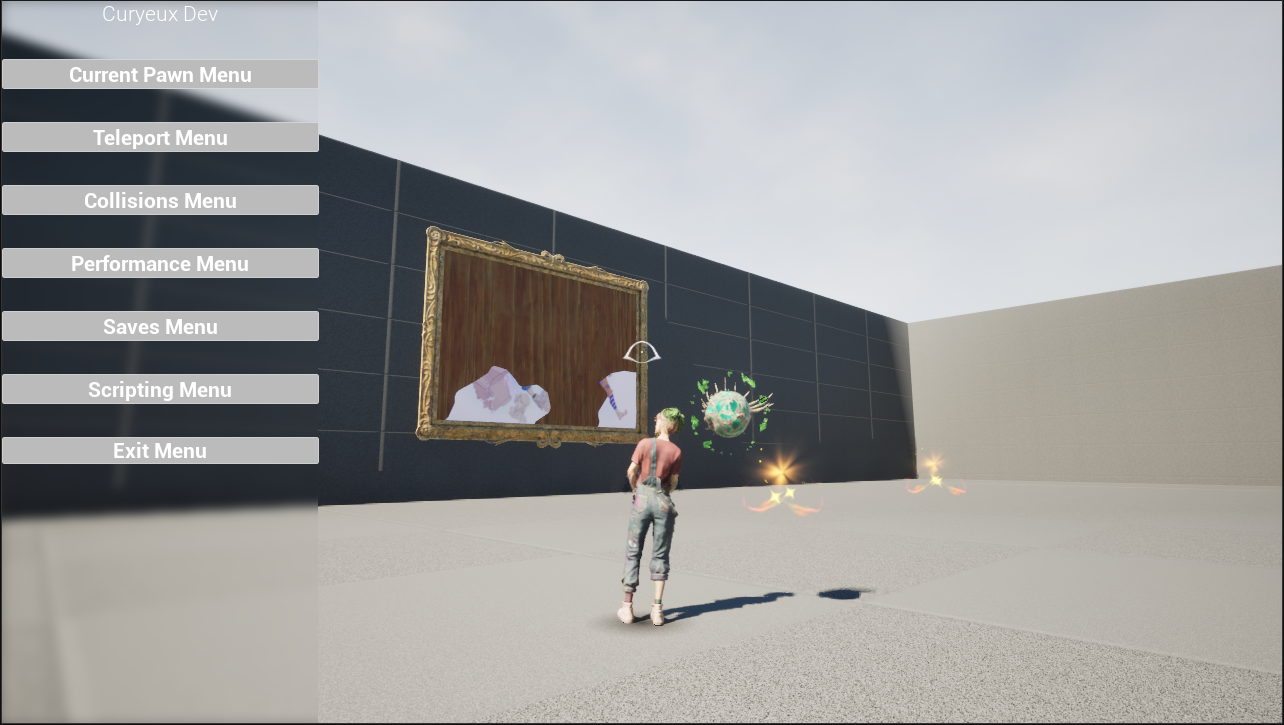
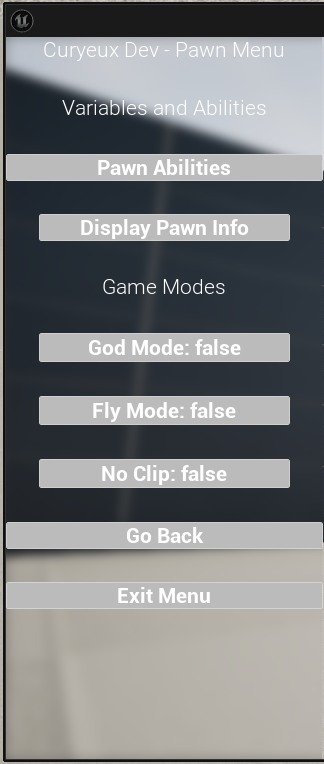
This menu allows users to manage the current pawn 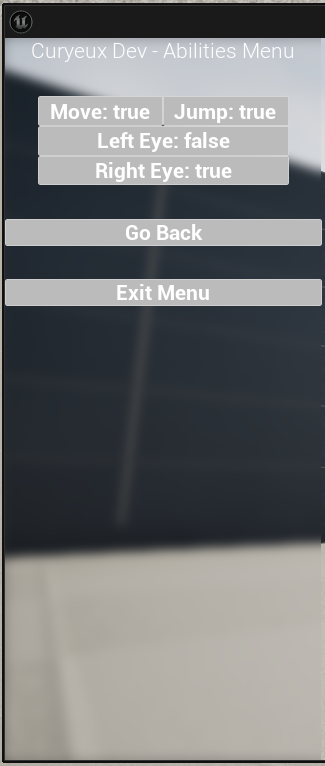
This menu allows users to manage add or remove abilities from the current pawn 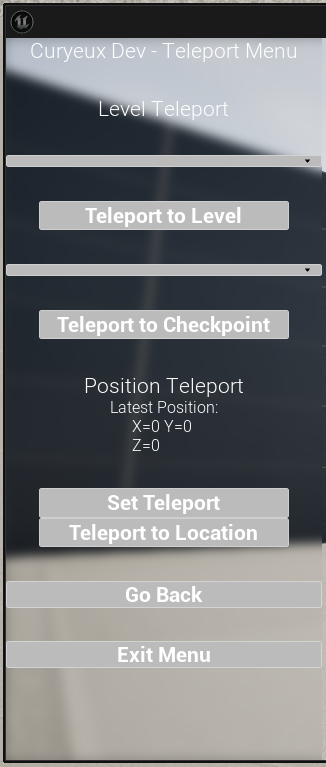
This menu allows users to teleport between levels, checkpoints and create custom teleportation points 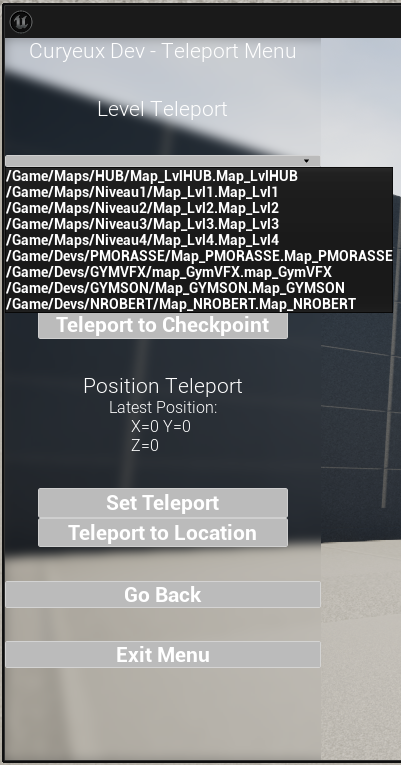
Showcase of how levels can be selected in the teleport menu 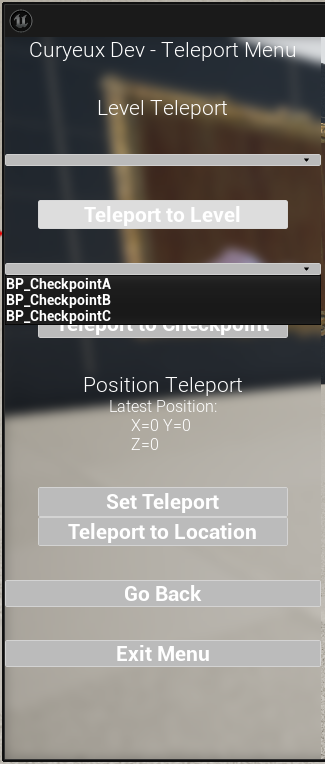
Showcase of how checkpoints can be selected in the teleport menu 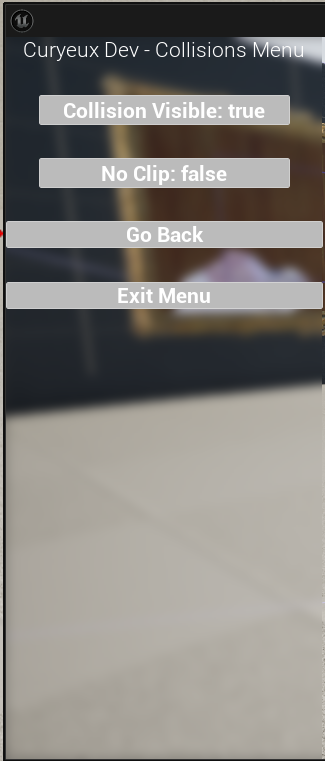
This menu allows users to manage current display of collisions and remove collisions as a whole 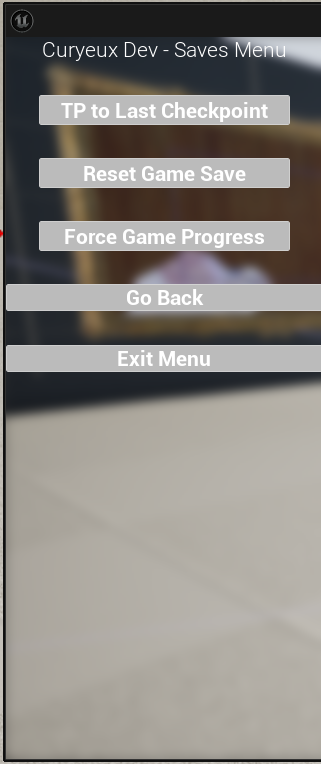
This menu allows users to manage game progress 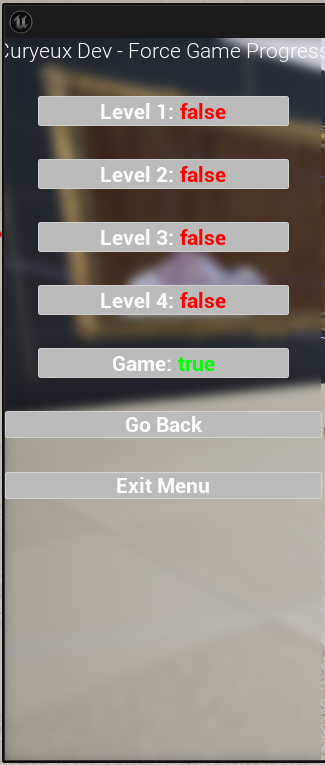
Showcase of game progression 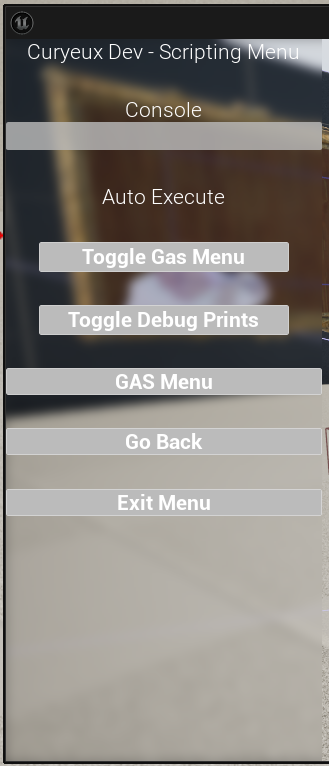
This menu is used to toggle other debug functionality native to unreal engines and plugins
Overview of the tool
This tool was used by the production to help with workflow and debugging purposes.
It included multiple functionalities such as:
- A teleportation menu for easier access to levels and checkpoints
- An ability granter to give the player immunity and flying powers
- A save menu which allowed force game progression or reset
Development
This tool was updated all along the production to add multiple functionalities as Level Designers and Artists requested.
What would I have done differently?
Looking back, as I was new to widgets in Unreal, I would have changed the comportments on menuing between the pages as it was poorly done and required more processing. An easy fix to this issue that I have now learned is the usage of a widget switcher for easier flow of widgets without closing and opening them.
Tool Showcase: Editor Developper Menu
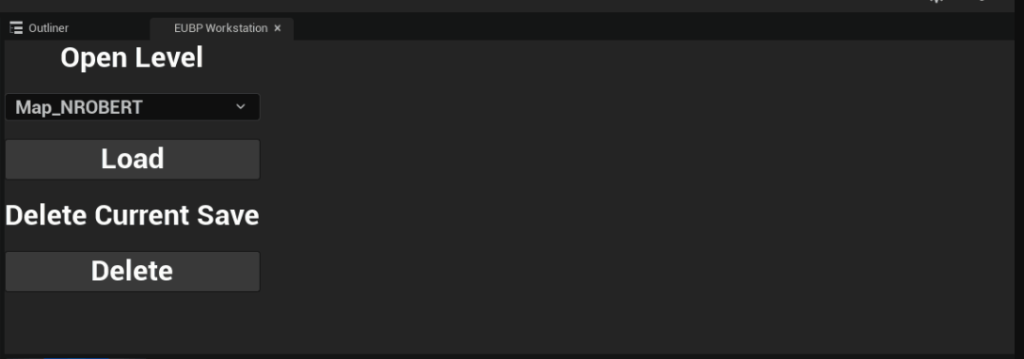
Overview of the design
This simple tool was designed to increase workflow and minimize the usage of Unreal’s content browser and Windows File Explorer to do two main tasks: Open levels in editor and delete the save files of the game.
Development
This tool took a day of development as it was my first foray into editor blueprints. As such, the simplistic nature of the tool and lack of other functionalities.
What would I have done differently?
Looking back, I would have loved to start this tool earlier in the project. As I learned about these types of blueprints at the mid-point of the production, I feel like this tool would have been crucial to workflow efficiency of the entire production.
Tool Showcase: Auto-Spline Tool

Overview of the tool
This tool was used as part of a design requested by the game designer. In the project, there was a comportment where picked up collectibles would need to move from their spot to a painting displaying collection progression. As such, the level designers asked the scripting team to have a tool to help with spline placement for and easier workflow.
Development
The development took place over a week with the help of the concerned level designers:
- At first we evaluated what the design required as a team and designed main guidelines for the tools.
- By myself, I designed the workflow to use the tool and implemented it in engine.
- As a team, we iterated on the design until the tool was by their demands.
What would I have done differently?
Looking back, I would of have changed the workflow a bit. As I was still new to the concept of generating splines automatically and tool designing, there was a few functionalities I would add such as a spline mesh generation and auto-materials to check if there were any collisions from the layout in the way to prevent clipping of the collectible in the walls of the levels.
 Nicolas Robert - Technical Designer