Project Overview
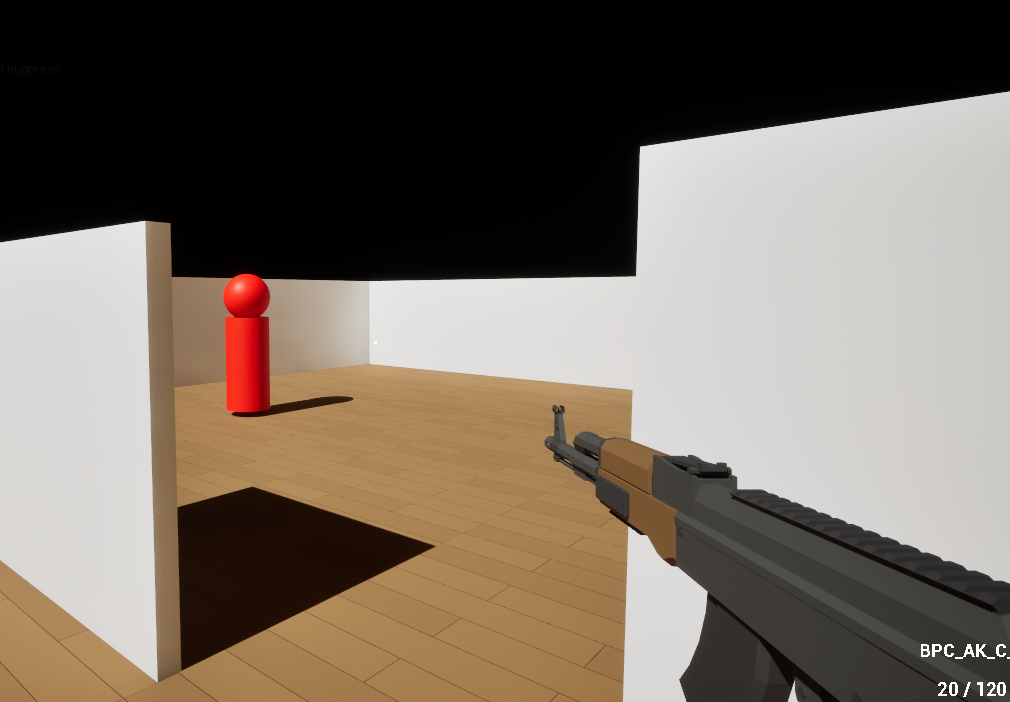
Premise
This FPS Roguelike game was made as a follow-up to my graduation project in July 2025 (See Curyeux). This project had the goal for me to create easy of access tools and designs so that a small team of designer could create their own game based on a pre-established designs.
Time and Duration
July 2025 – September 2025
Deadline set: 2-3 Months (July 2025 -August 2025)
Team Size
Solo Project
Used Tools
Unreal 5.5
GAS
Visual Studio
Tasks
Since this was a personal project, here are the goals and tasks that I developed tools for as if this was a group project:
- Complete character, controller and camera design to fit a FPS game
- Room-Based roguelike generator allowing different room layout configuration
- A weapon system allowing any creative weaponry to the game
- Multiple enemies with different patterns and abilities
- Simple gameplay flow
As the sole Designer on this project, here is specifically what I tasked myself with:
- Complete character, controller and camera design to fit a FPS game
- Create a seamless gameplay flow for a simple roguelike
- Create a modular room spawning design allowing any Level Designer to create and add rooms to a layout generator
- Create modular weaponry to allow any design to be added to chest in game
- Create modular enemies to allow a variance during gameplay
Technical Design and Tools
Character Movements and Inputs
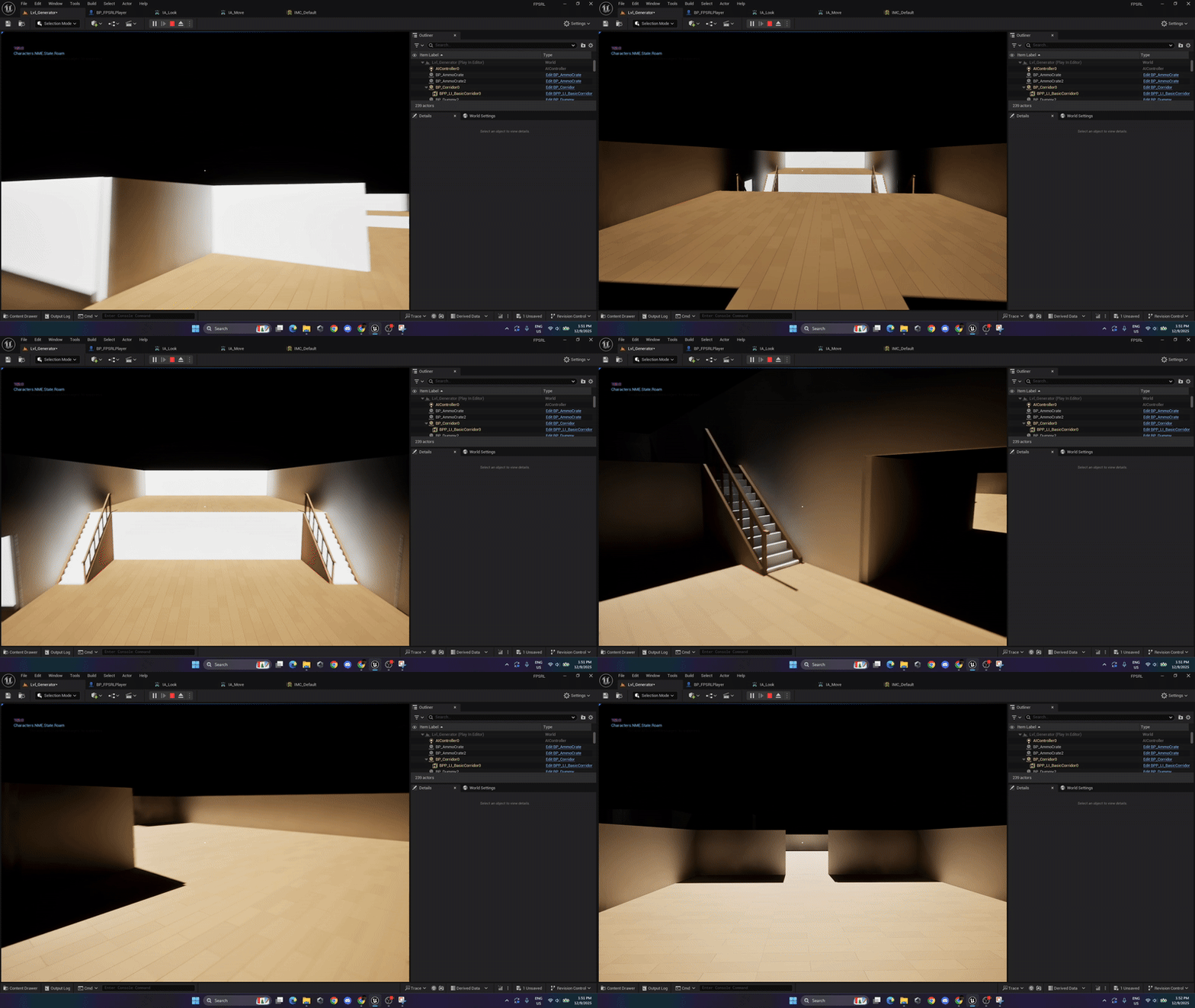
Overview of the design
The current design for the player character is heavily inspired by the current FPS games. This includes functionalities such as omni-directional movement, crouching, proning, stamina for doing specific actions, and many more.
Development
This was the first task that I completed during the first week. The gameplay feel of the main character needed to be locked as soon as possible as to set metrics for the level designers to make their rooms.
As per the system itself, the main character’s movement was made as a small state machine using gameplay tags to indicate what state the player was in and what actions he could then perform.
What would I have done differently?
There isn’t much I regret about this small design. The only aspect of it that will be problematic is the modularity of it all. As I left the door open to make multiple main characters that would have different abilities, I have made the decision to make the entire system with multiple components and gameplay abilities. An easy fix would be to create a parent player character as a base and assign abilities in children blueprints.
Character Weapon Interaction Workflow
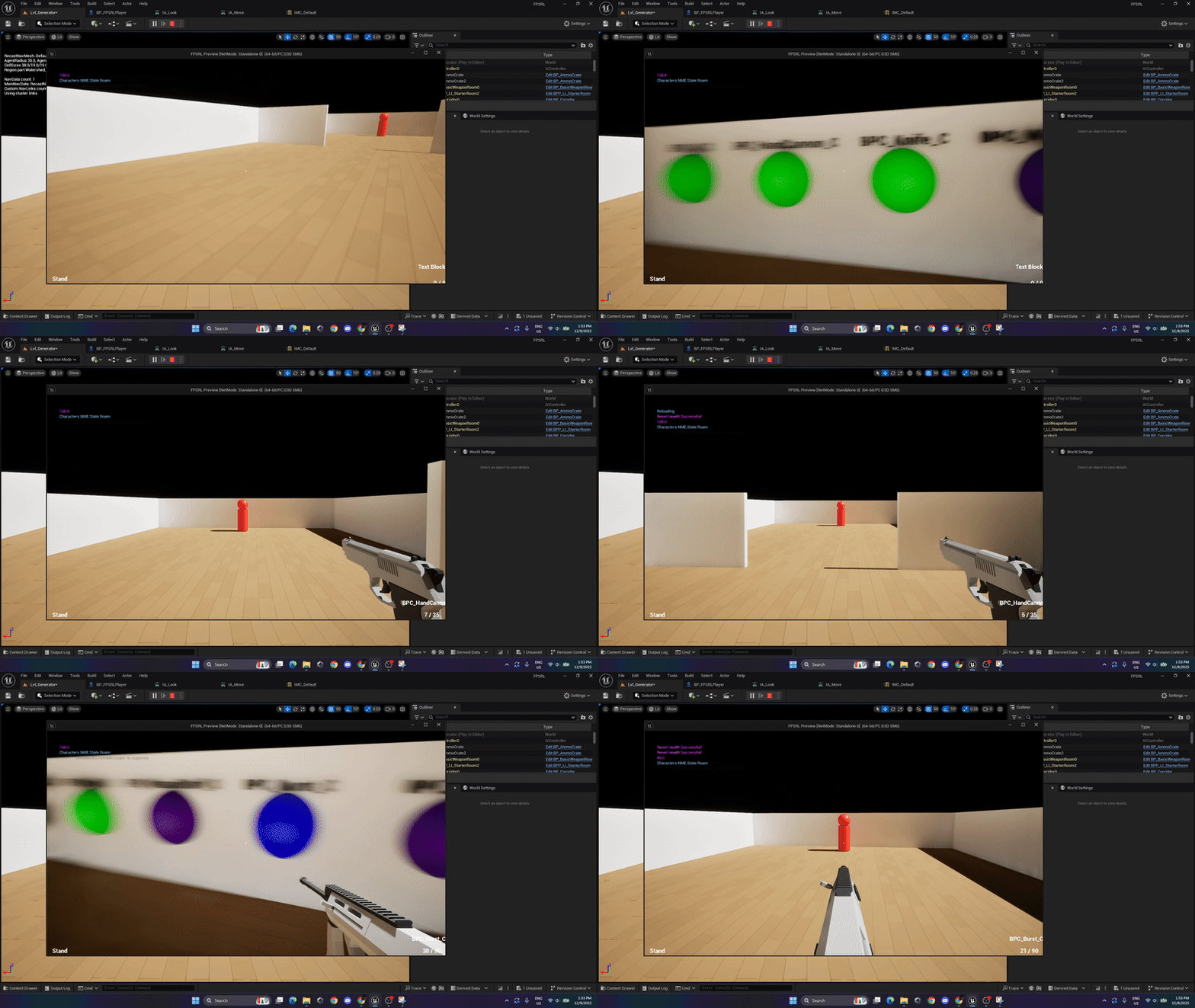
Overview of the design
This interaction system was designed to make any weapon in the game have multiple state based on character inputs: I will be using the main character and player inputs to explain this concept. As an example, a simple pistol would have a few states such as aim on a left click hold and shoot on a right click press. Another weapon could be a mage staff where you could also aim with left hold and shoot with the right click press but if you do not aim, the right click press becomes a melee weapon, dealing proximity damage.
Development
This design was the main idea for this prototype: what would it be like to have a weapon that could interact differently based on multiple inputs given. As such, the development of this logic was completed with the main character during the first week. Using GAS and gameplay tags, the character gains or removes tags from itself and as such the weapon can act based on those tags.
What would I have done differently?
The main struggle I can see us having later down the line is when enemies and their own complexity are added. Although logical for a player character, enemy behavior and the complexity they bring will be a challenge to merge with the current system.
Weapon Creation Workflow
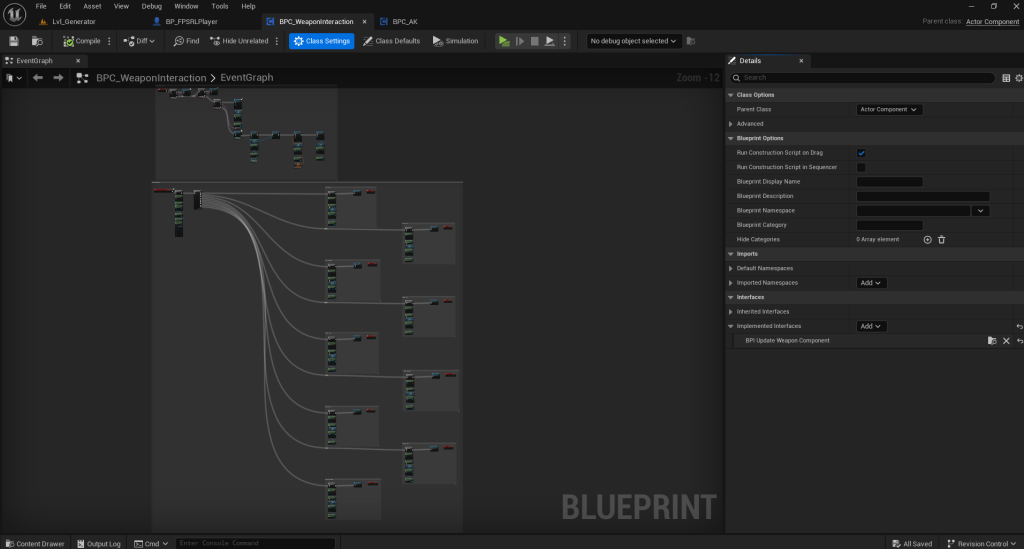
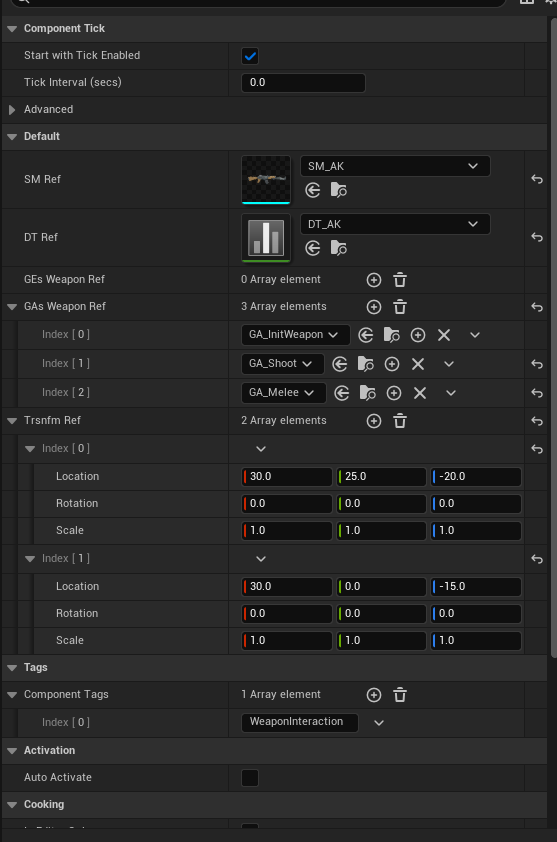
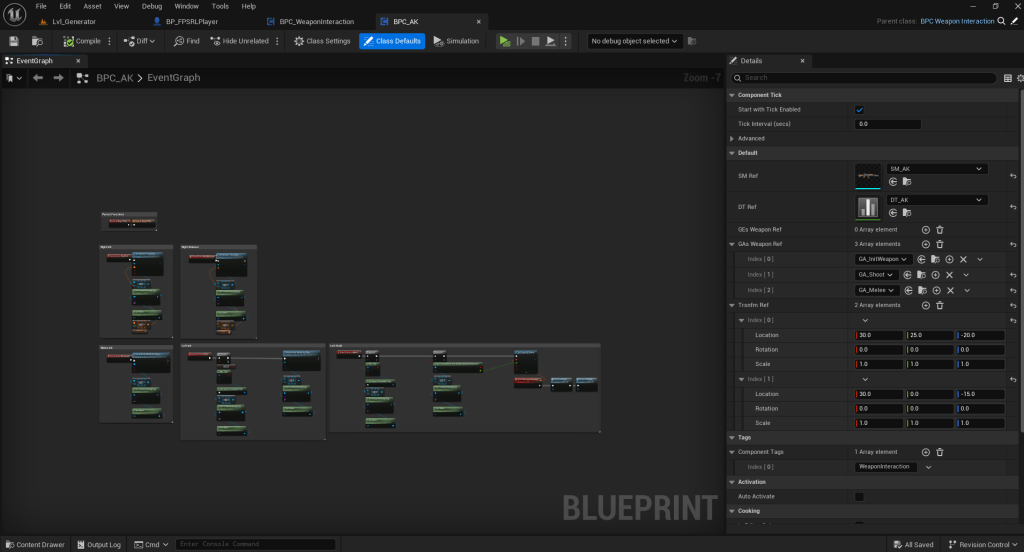
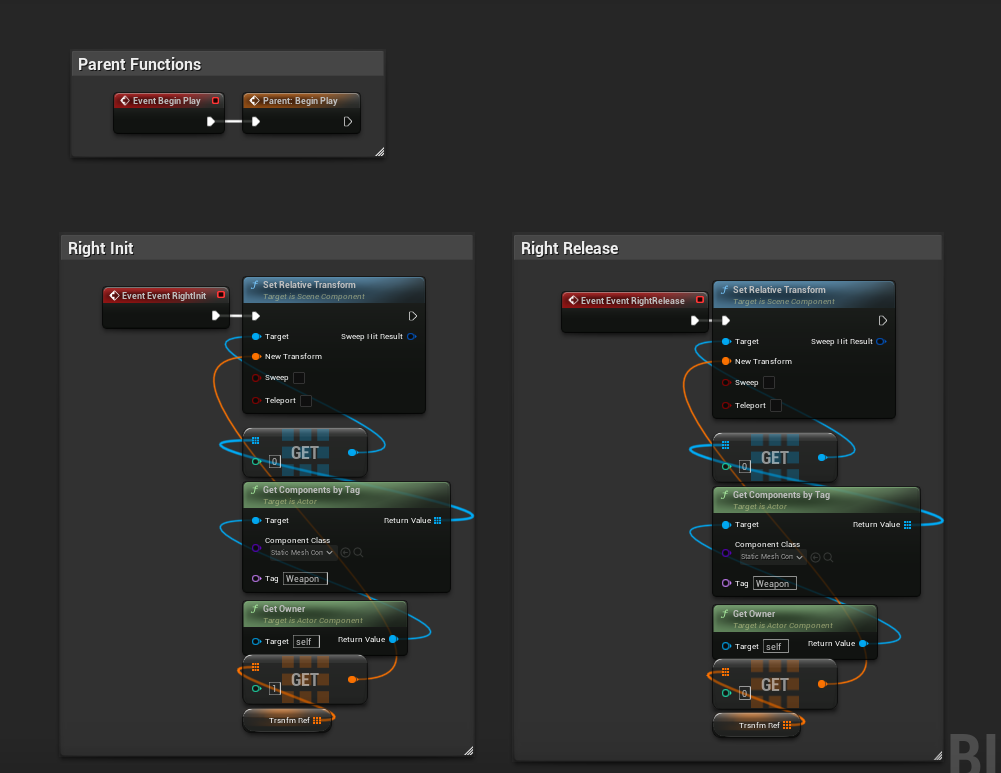
- Parent Blueprint:
- Children Blueprint:
Overview of the design
This workflow was created as a result of the interaction system previously mentionned. It allows full creation and customization of any weapon as a component that can be attached to any character in the game. The weapon will provide stats for the weapon and the action it can take to the parent character it is attached.
Development
During the second week of production, I developped this workflow as a way to showcase the possibilities of the system to the group. As such, Ideas for weaponry started flowing and many were added to the game as a consequence.
To create a new weapon, you will need the following:
- A Dataset powered by GAS that is a child of the parent weapon Dataset
- A Static Mesh
- GAS Abilities to do the actions
- A bit of logic as to where to plug the abilties
What would I have done differently?
The main thing I would add if we had the ressources would be animations for the weapons. As a consequence, this would change the static mesh to a skeletal mesh.
Room Generation
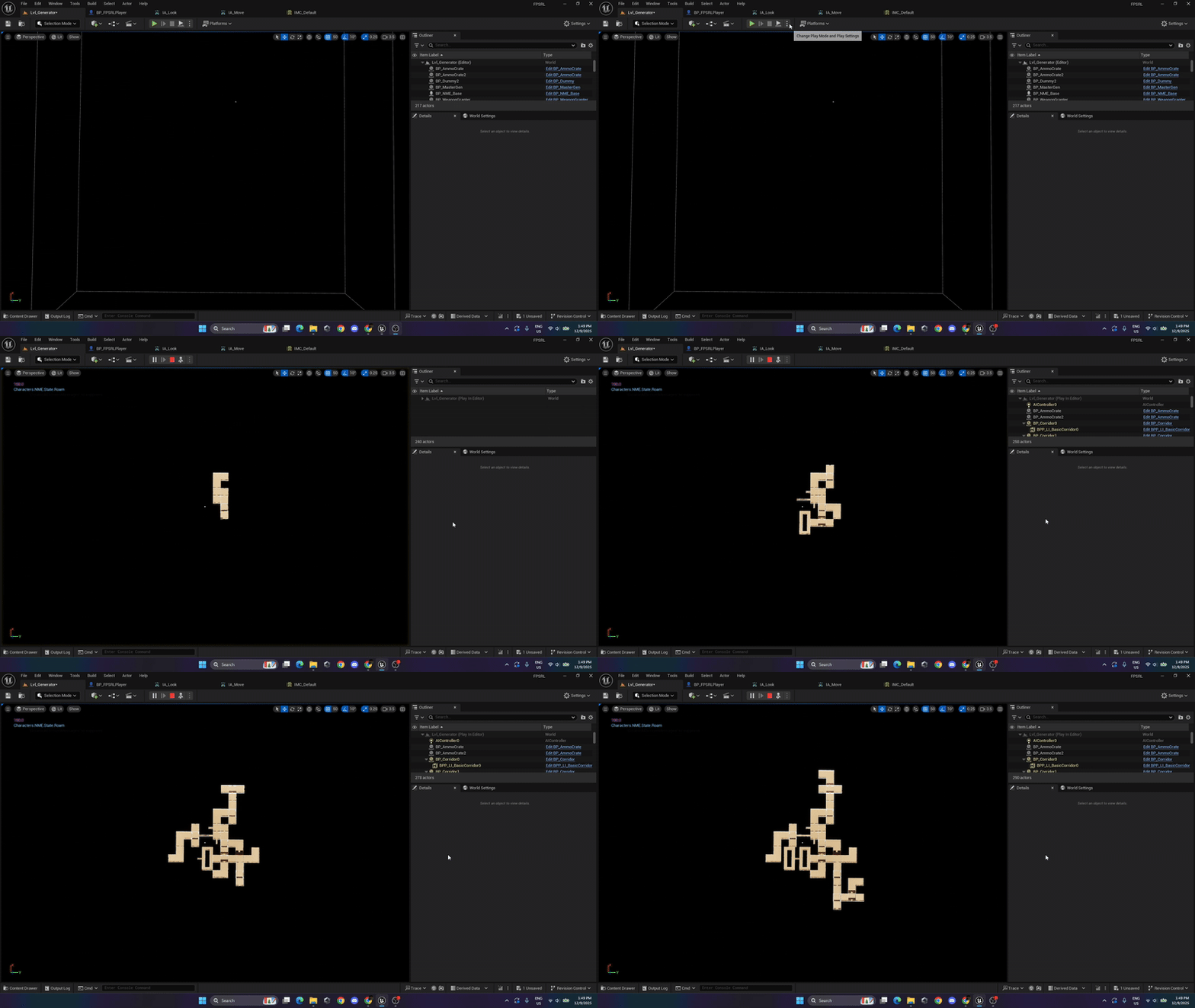
Overview of the design
The design for the room generator is fairly simple. It uses a multitude of blueprint components to generate rooms and the gameplay logic.
To make it brief, rooms have components to indicate where doors are, collision boxes for room size and components for gameplay elements such as enemies or loot.
Development
This was the second task I achieved during the span of two weeks. I didn’t know if I wanted fully procedural generated rooms or pre-made rooms. I decided that rooms would allow a better approach for level designers to showcase their skillset and allow a technical workflow to be created to make the generation simpler.
What would I have done differently?
Although a simple and efficient design, I would have loved to create a fully procedurally generate dungeon as I find this subject to be very fascinating and rewarding to design.
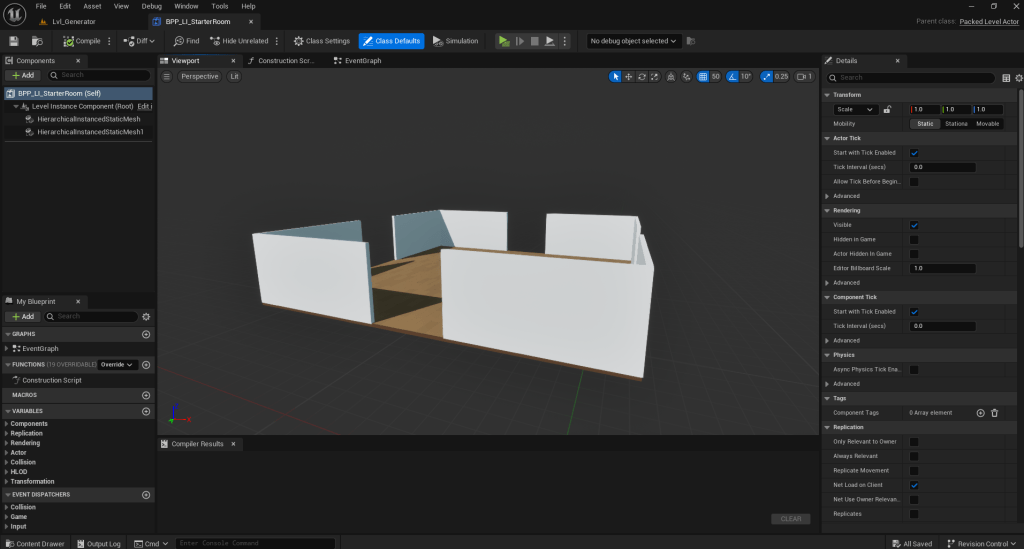
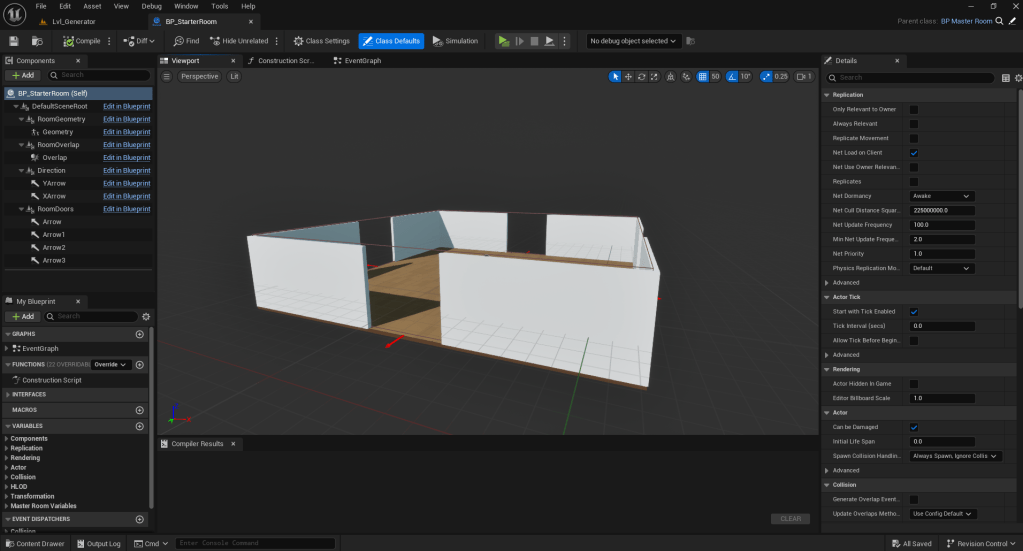
Overview of the design
This workflow was created to help level designers design and test their layout with ease in a randomly generated dungeon. The workflow consist of creating a blueprint consisting of multiple components: a Packed Level Actor (PLA) for the layout, a collision box to indicate room size, arrow components to indicate door position and rotation, and many others.
Development
This workflow was created during the second week to test basic layout and generation logic. As I was a strong advocate of loading all the geometry of the room at once to reduce performance issues later, I created a workflow that used PLA’s instead of placing all the static meshes into a blueprint. Using PLA, this also meant a level designer could implement a room in under 5 minutes using components in a child blueprint of a parent blueprint.
What would I have done differently?
The workflow accomodates a majority of interesting features such as allowing multiple floors for different heights and a 360 degree angles for room positioning and door placement. Although these functionnalities are really useful on paper, it also complicates room generation while generating multiple floors, causing certain issues when trying to generate rooms downwards.
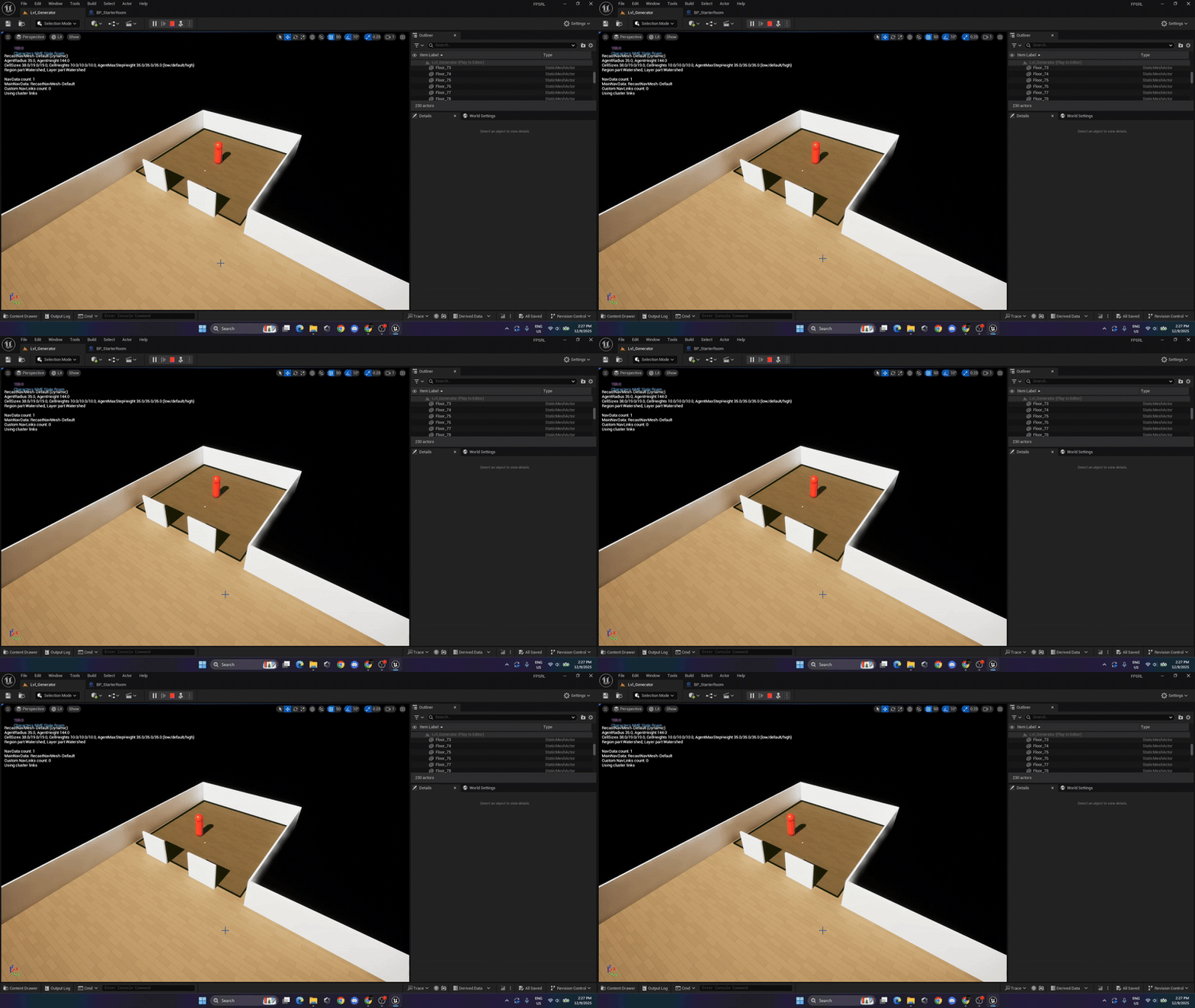
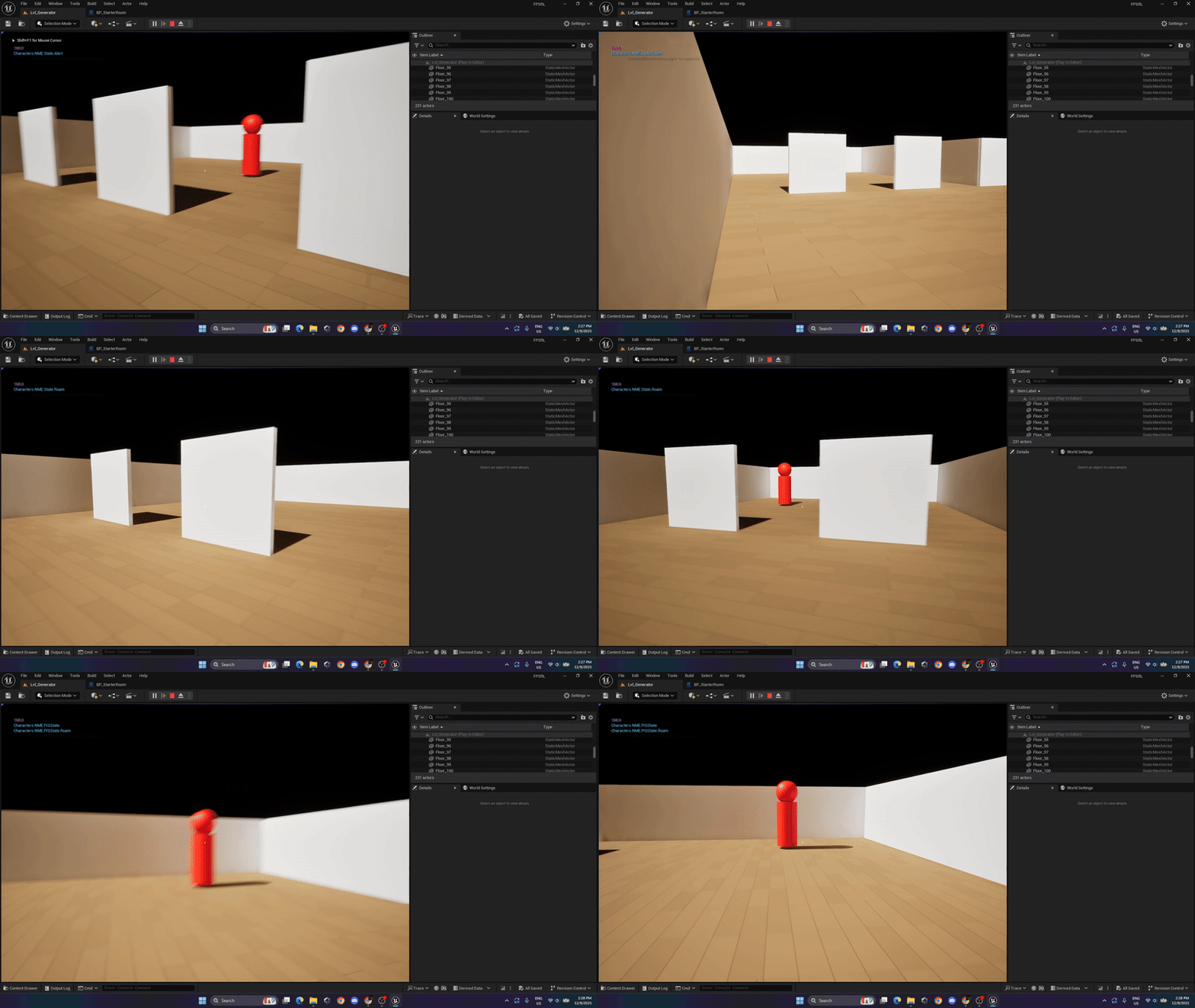
Overview of the design
During the last weeks of development, I developed a very simple enemy as proof of concept. The design was heavily based on the player for the weapon and health interaction and a simple state machine based on the player.
Development
I started the development of the enemies with the introduction of navigation meshes to the actual room generator. This was a difficult task because of the nature of the room generation itself. I didn’t want enemies to attempt movement towards empty spaces. After a few concepts, I figured out the required settings for the navigation mesh.
As per the enemies themselves, the enemies have a parent blueprint with a base state machine and as such allows the creation of different children enemies with different weapons and modified comportment if needed. This also simplify enemy stats and hit registry.
What would I have done differently?
The main issue with my approach was that I used different collisions profiles to act as sensors instead of using pre-built pawn sensors in unreal. I believe this would be the first thing I would modify if I were to go back to this project.
Other system not mentioned
As per not to further elaborate on similar system, I have condensed system that are similar into this list:
- Weapon Reloading and Ammo Management (Using GAS abilities and GAS attribute set for the weapons)
- Character Health and the relation with a Weapon Damage (Applying gameplay effect to manage both GAS attribute sets)
Other Acknowledgement
This project wouldn’t have been the same without the use of asset packs made by JustCreate’s. These asset packs were used as building blocks for the level designers to do their layout and for the weapons pack to give variety to the game weaponry.
 Nicolas Robert - Technical Designer